OpenClaw + Qwen Tool Calling journey
Step-by-step guide to provision OpenClaw from sandbox.redhat.com, connect it to a private Qwen model with tool calling, and use it alongside Developer Hub agents.
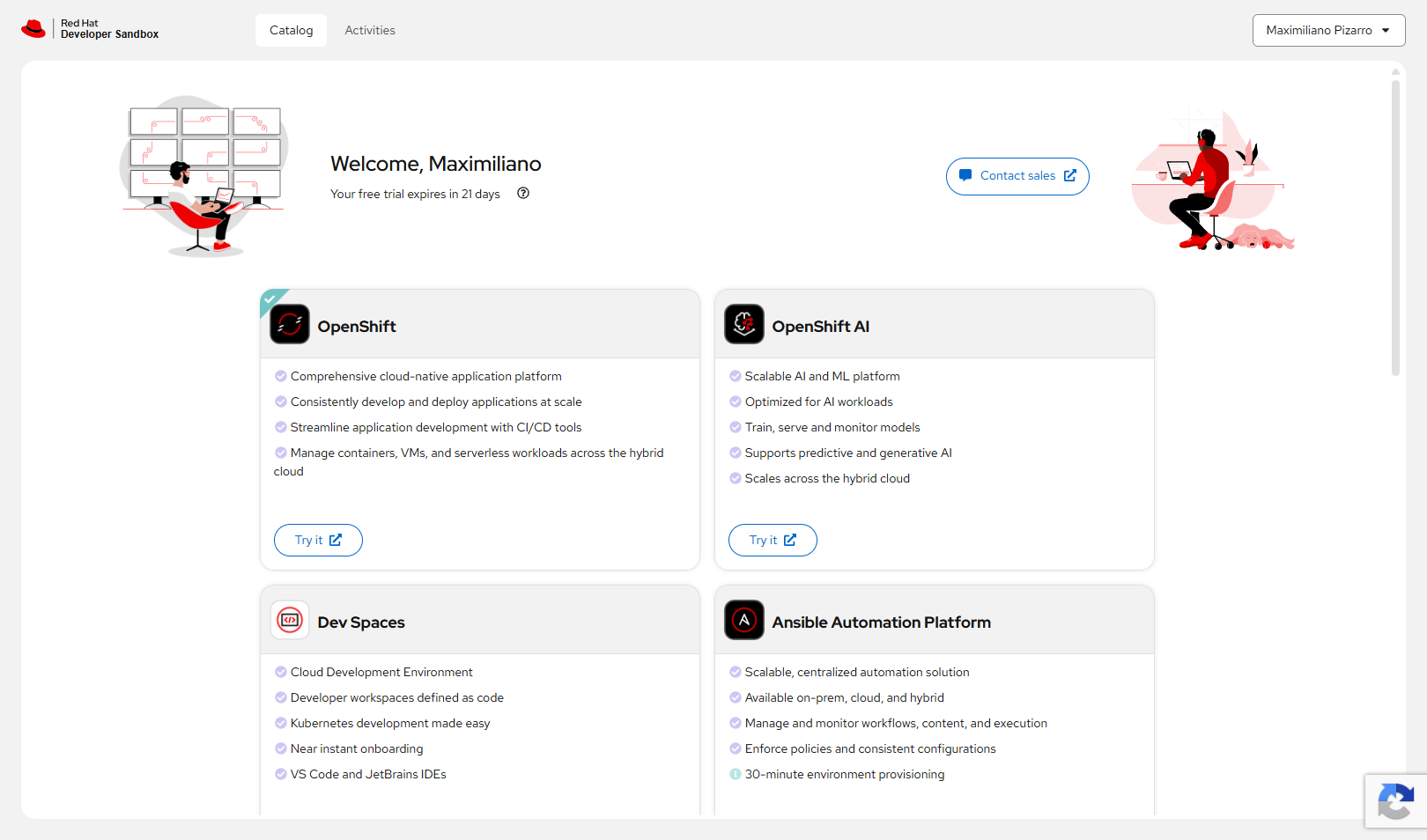
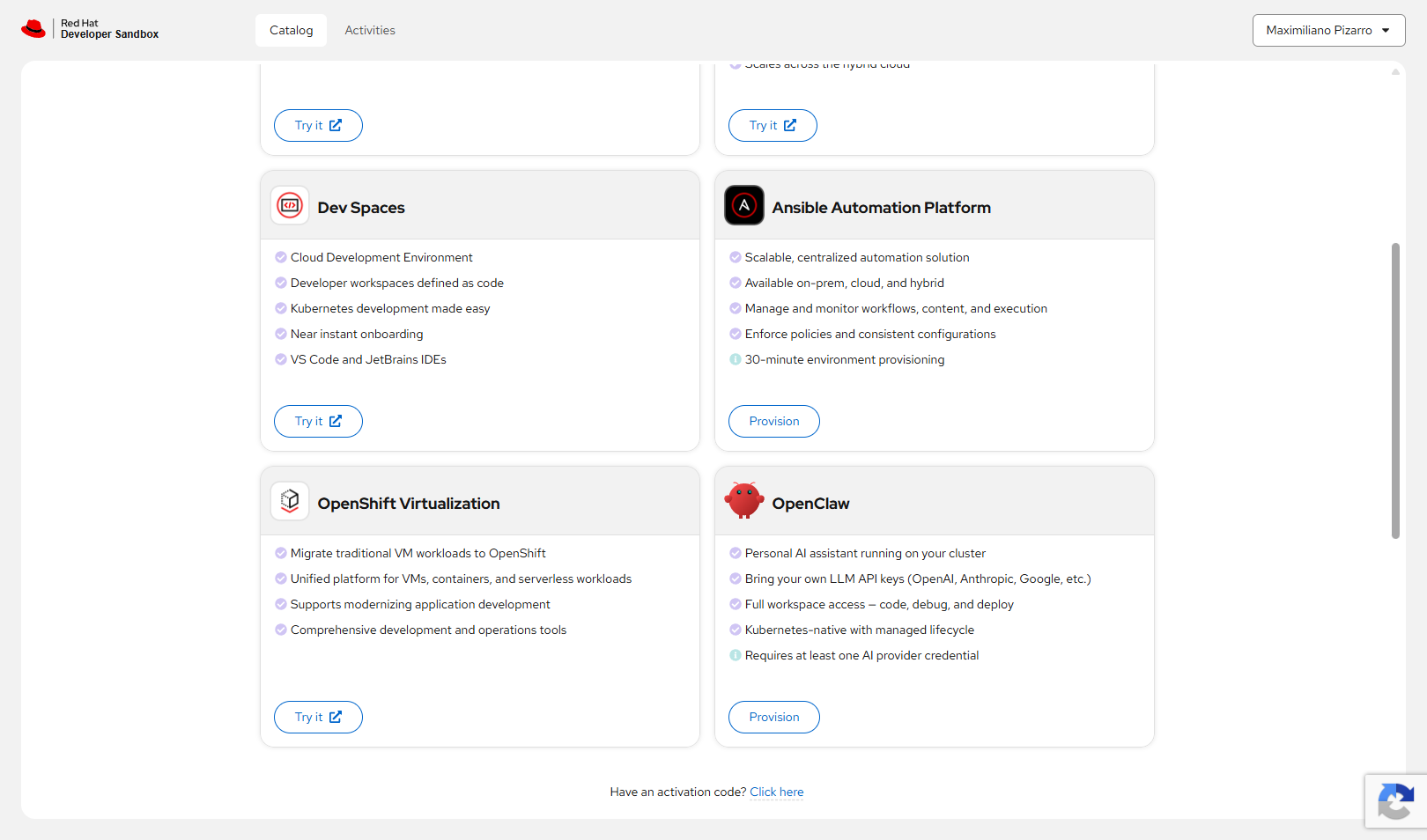
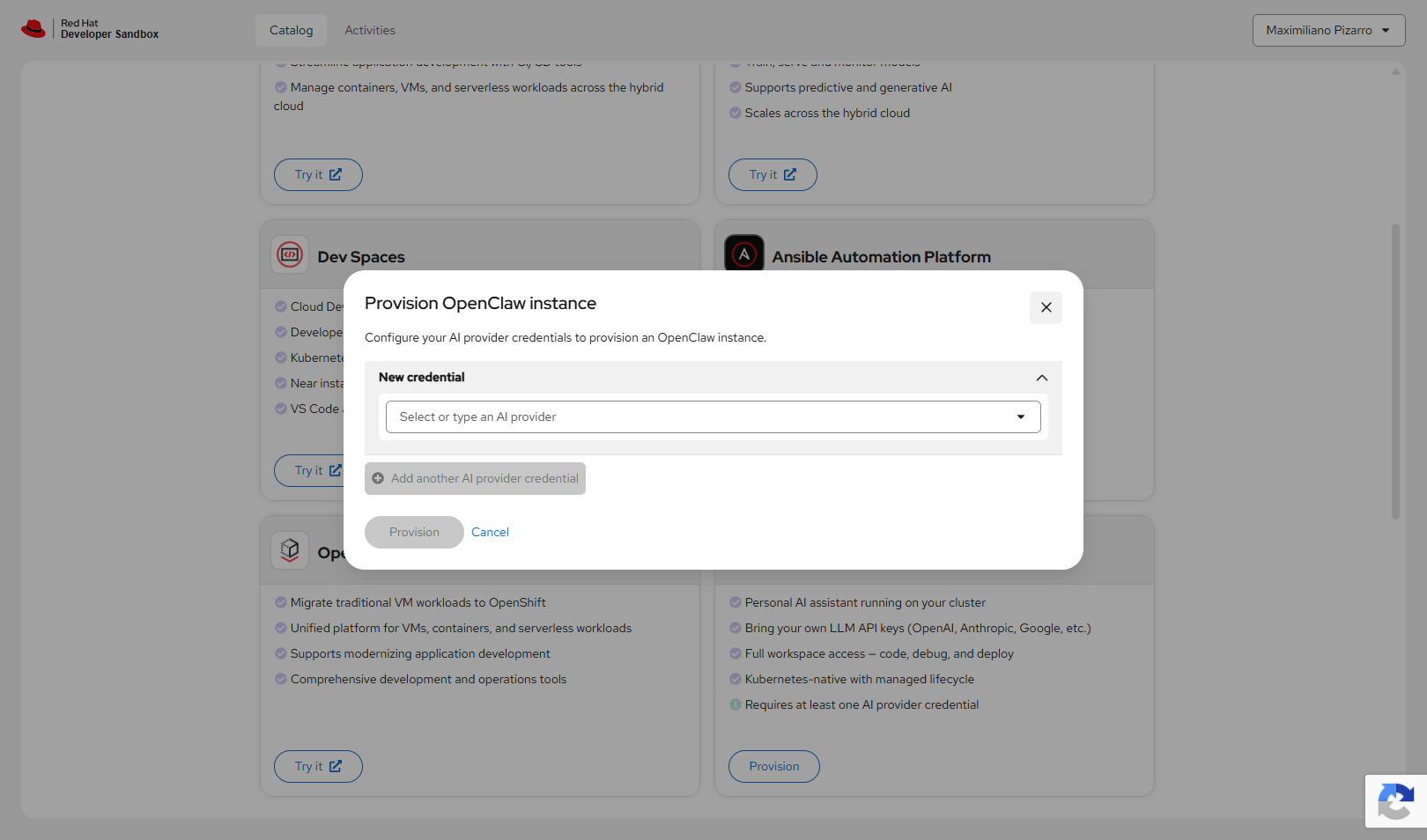
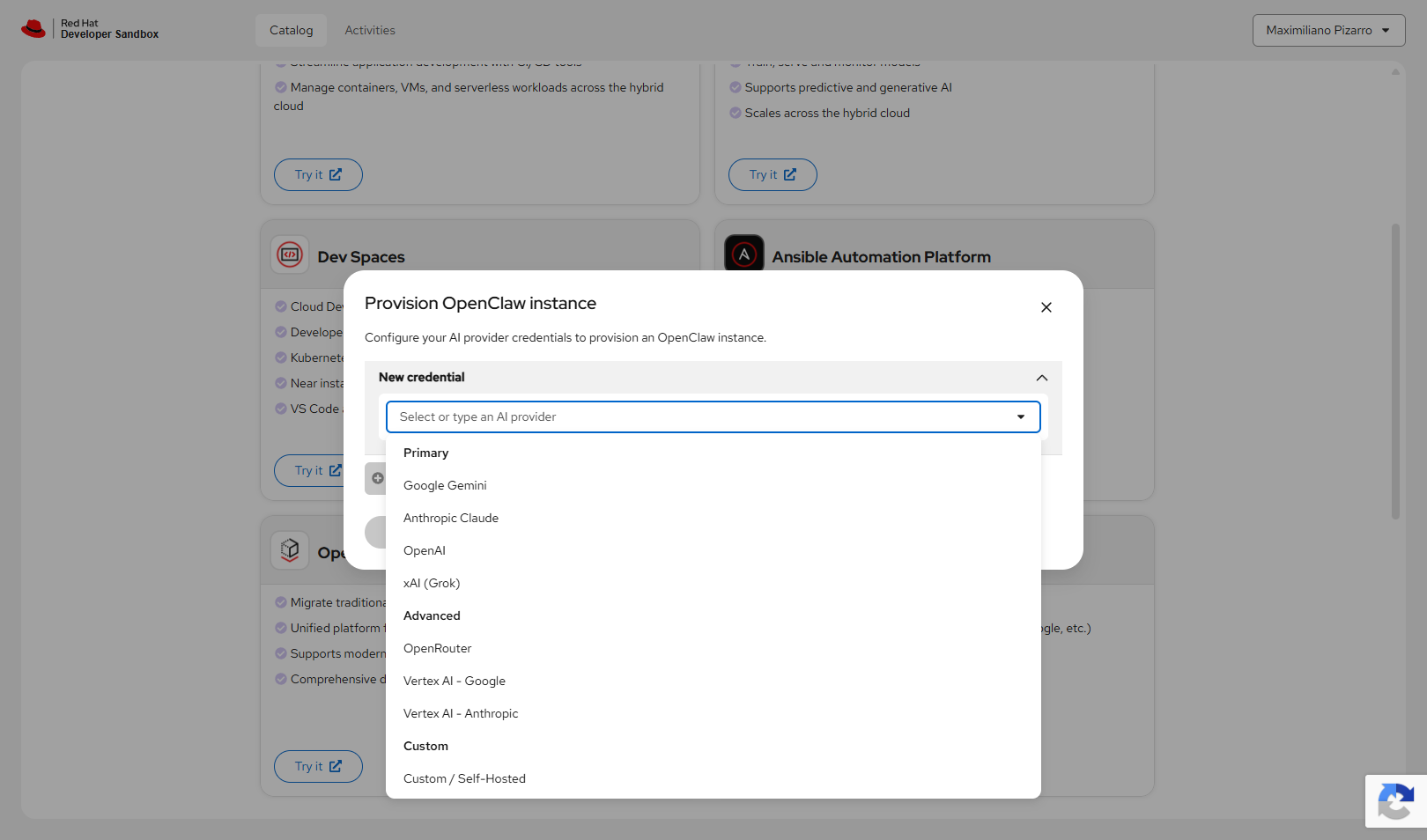
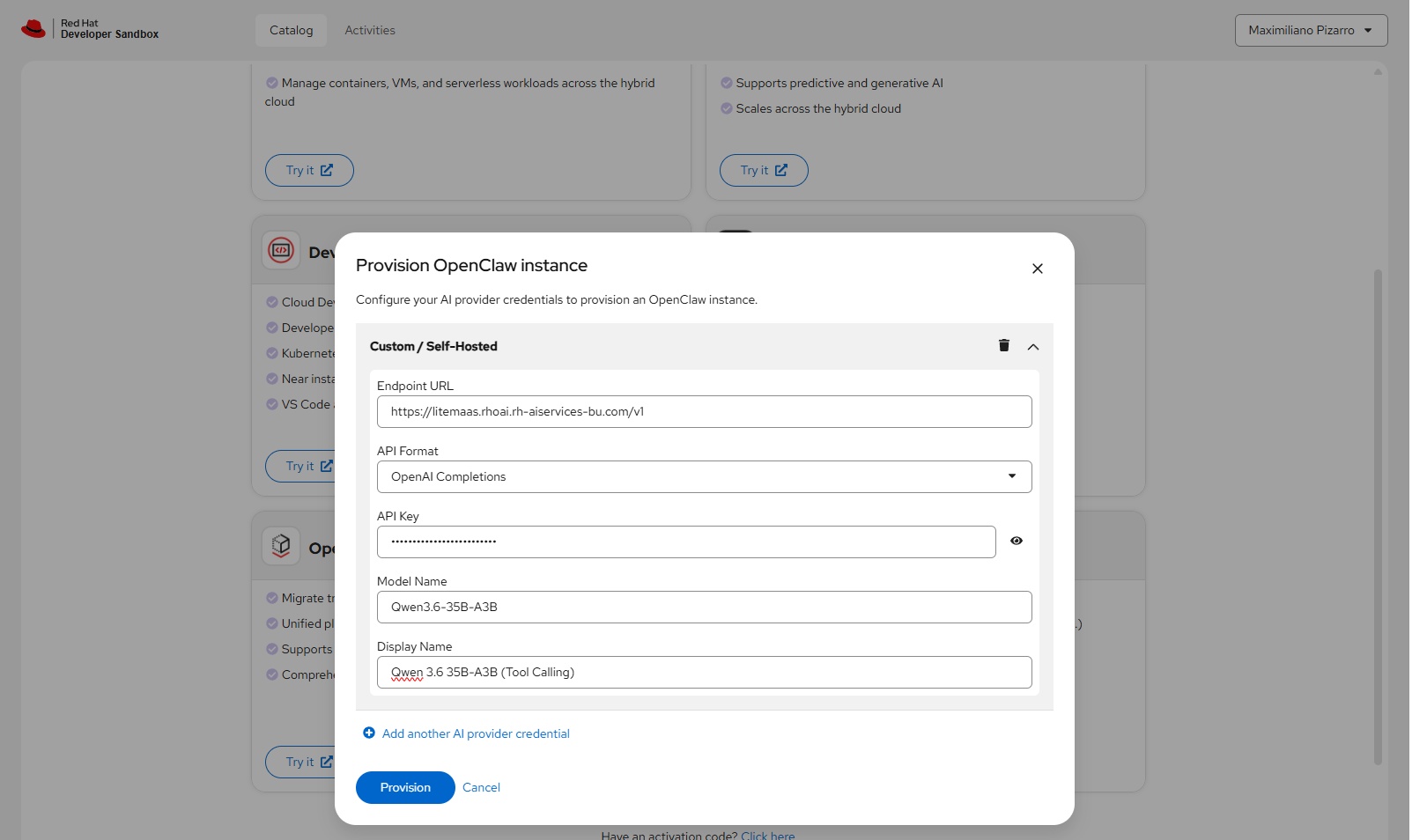
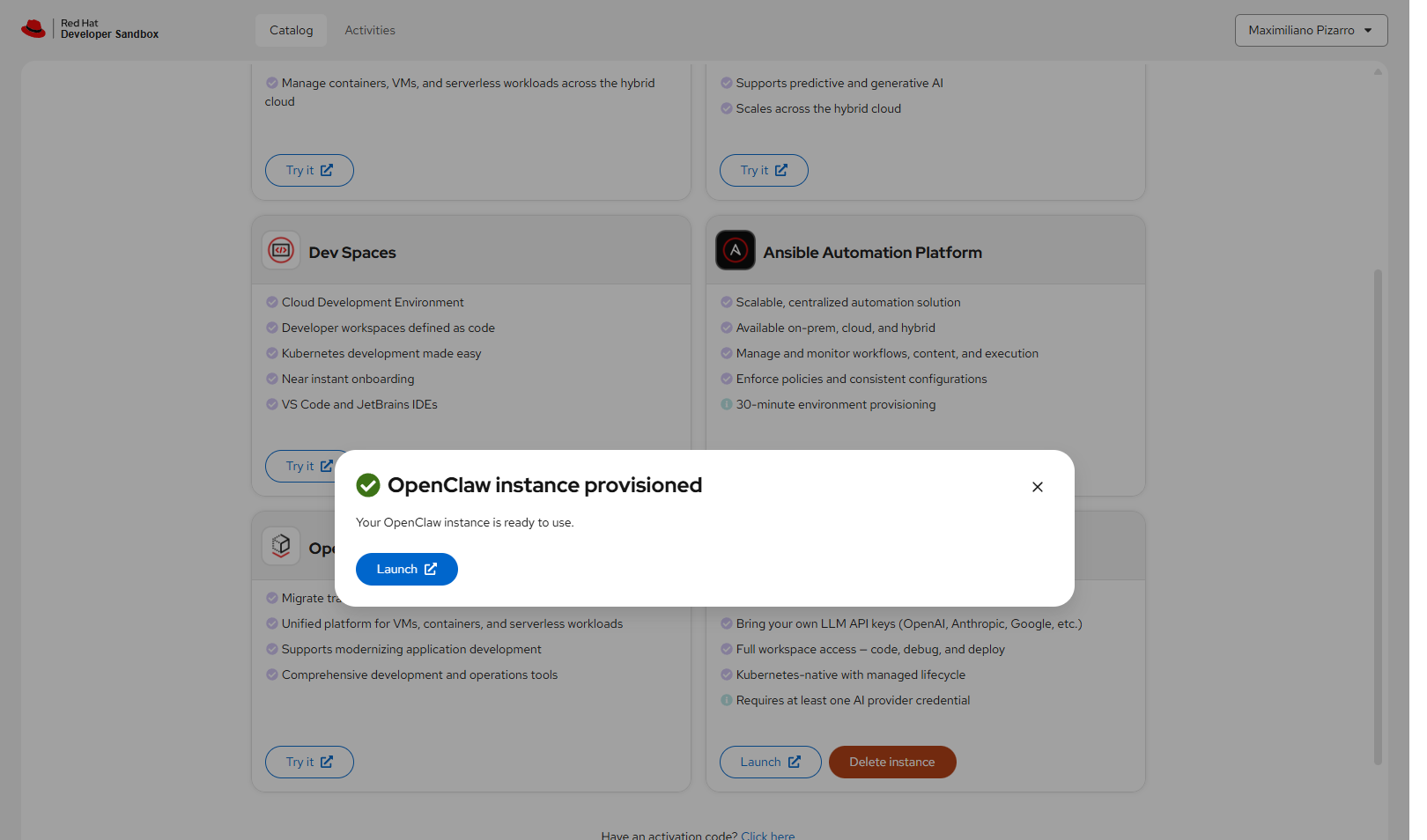
claw-gateway-token if pairing is required).
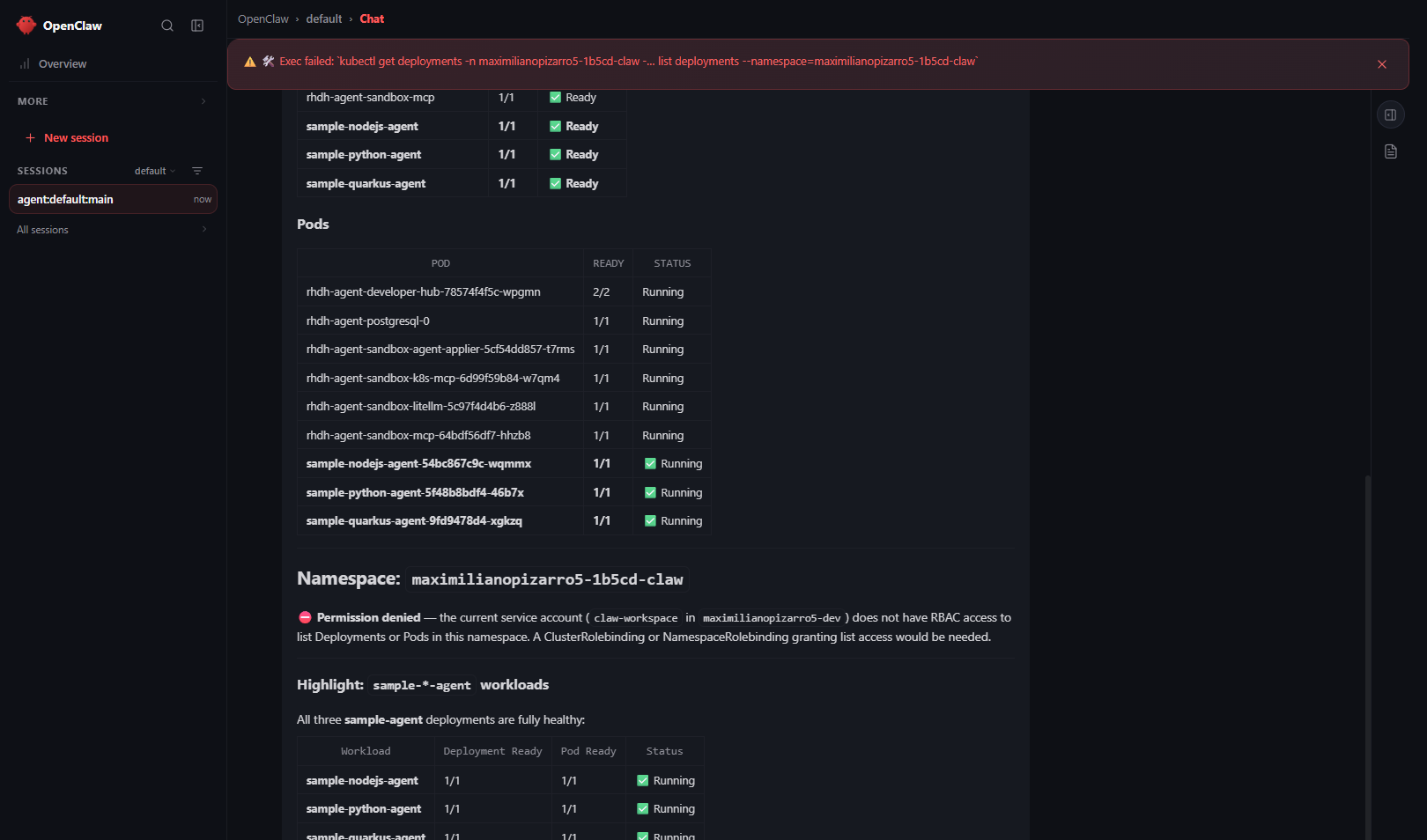
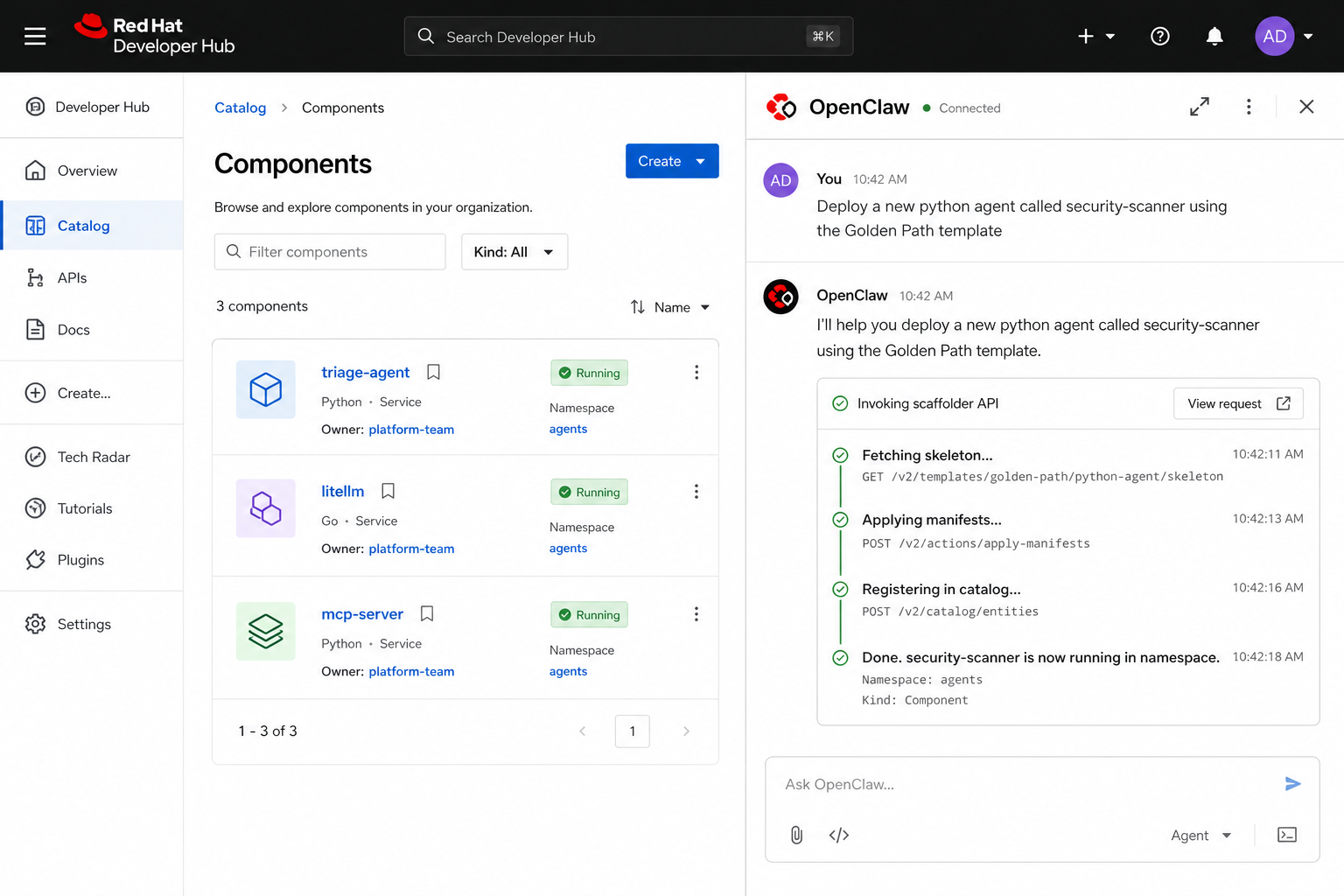
spec.mcpServers on the Claw CR (streamable-http + Hub Route) — proven with openclaw mcp probe → 4 tools. Full scaffolder deploy-from-OpenClaw UI is still optional; Golden Paths remain in Hub Guest. Details: OpenClaw setup.
Architecture overview
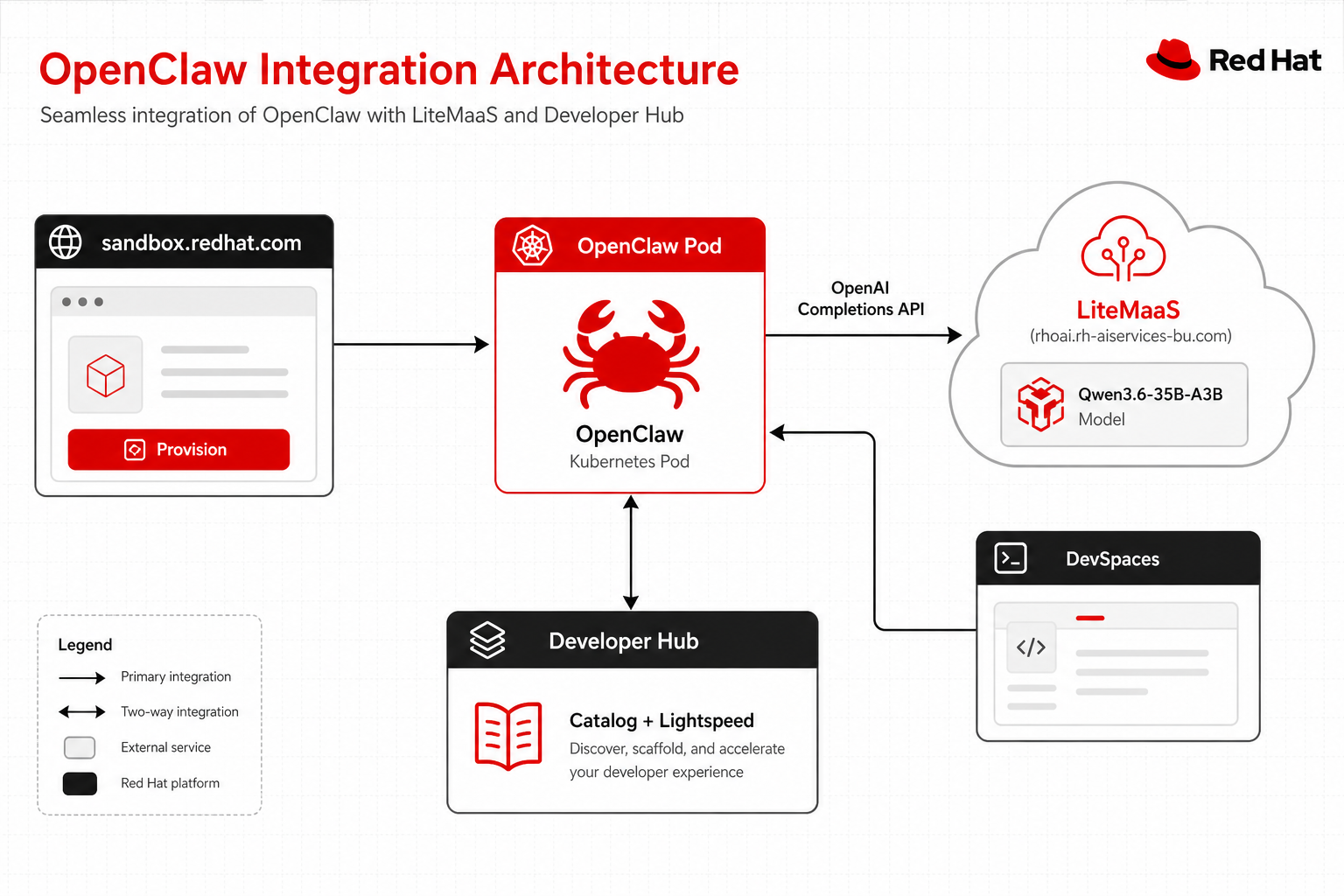
OpenClaw connects to a private Qwen3.6-35B-A3B model via the LiteMaaS OpenAI-compatible API. Unlike shared Sandbox models (Granite / Qwen via chart LiteLLM), the LiteMaaS endpoint supports tool calling (tool_choice=auto), enabling OpenClaw’s full agentic loop.
| Component | Role |
|---|---|
| sandbox.redhat.com | Provision OpenClaw instance with your credentials |
| LiteMaaS | Red Hat AI Services hosted LLM gateway (OpenAI Completions API) |
| Qwen3.6-35B-A3B | Private model with function/tool calling support |
| OpenClaw Pod | Kubernetes-native AI assistant running in your namespace |
| Developer Hub | Catalog, Lightspeed, Golden Paths — complementary portal (Guest). Direct OpenClaw→scaffolder orchestration is not packaged yet |
| DevSpaces | Browser IDE connected to LiteLLM for AI-assisted coding |
Security: never commit API keys
Warning: API key handling
Your LiteMaaS API key (
sk-...) is stored as a Kubernetes Secret by the sandbox provisioner. Never commit it to git, values.yaml, or ConfigMaps.
The provision form securely stores the key in a Secret that only the OpenClaw pod can mount. To rotate:
- Delete the OpenClaw instance from sandbox.redhat.com
- Re-provision with the new key
- Or patch the Secret directly:
oc patch secret openclaw-credentials -p '{"data":{"api-key":"<base64-new-key>"}}'
What is proven vs illustrative
| Capability | Status |
|---|---|
| Provision OpenClaw + LiteMaaS Qwen (tool calling) | Proven — Steps 01–06 |
kubectl list Deployments/Pods in Hub namespace |
Proven — Step 07 (real chat capture) |
| Split Hub catalog MCP from OpenClaw | Proven via Claw CR — spec.mcpServers + openclaw mcp probe (4 tools); see OpenClaw |
| Deploy agents via Golden Path | Proven in Hub Guest — see Golden Path journey, not via OpenClaw scaffolder UI yet |
Reproducing Step 07 (real)
- Provision OpenClaw with LiteMaaS as in Steps 01–06.
- Open Control UI with gateway token (
oc get secret claw-gateway-token -n <claw-ns> -o jsonpath='{.data.token}' | base64 -d). - Approve device pairing if prompted (
openclaw devices approve …inside the gateway pod). - Prompt: Using kubectl, list Deployments and Pods in namespace <your-dev-ns>. Highlight sample-*-agent Ready status.
Reproducing Golden Path deploy (Hub, not OpenClaw)
Use Guest → Self-service → Deploy Agent (Golden Path) and follow the Golden Path journey.
What Step 08 would need to become a live capture
OpenClaw would need Hub Reachability + credentials (e.g. scaffolder/mcp-token or a service account that can call the Hub Route) and a deliberate prompt that posts a scaffolder task — that integration is out of scope for this chart today (OpenClaw is provisioned outside the umbrella chart).
Using OpenClaw with the cluster (today)
Once provisioned with LiteMaaS Qwen, OpenClaw can typically:
- Inspect deployments / pods in namespaces its workspace kubeconfig allows (often your
*-devNS) - Read logs with
kubectl logs - Debug events, describe resources, check readiness
Use Developer Hub Guest for catalog browse, Lightspeed/MCP Chat tool demos, and Golden Path scaffolding.
See also
- OpenClaw (setup reference) — full configuration guide
- Architecture — overall stack diagram
- Golden Path journey — the three Golden Paths in action
- Lightspeed & models — why shared models drop
tool_choice