
Helm install journey
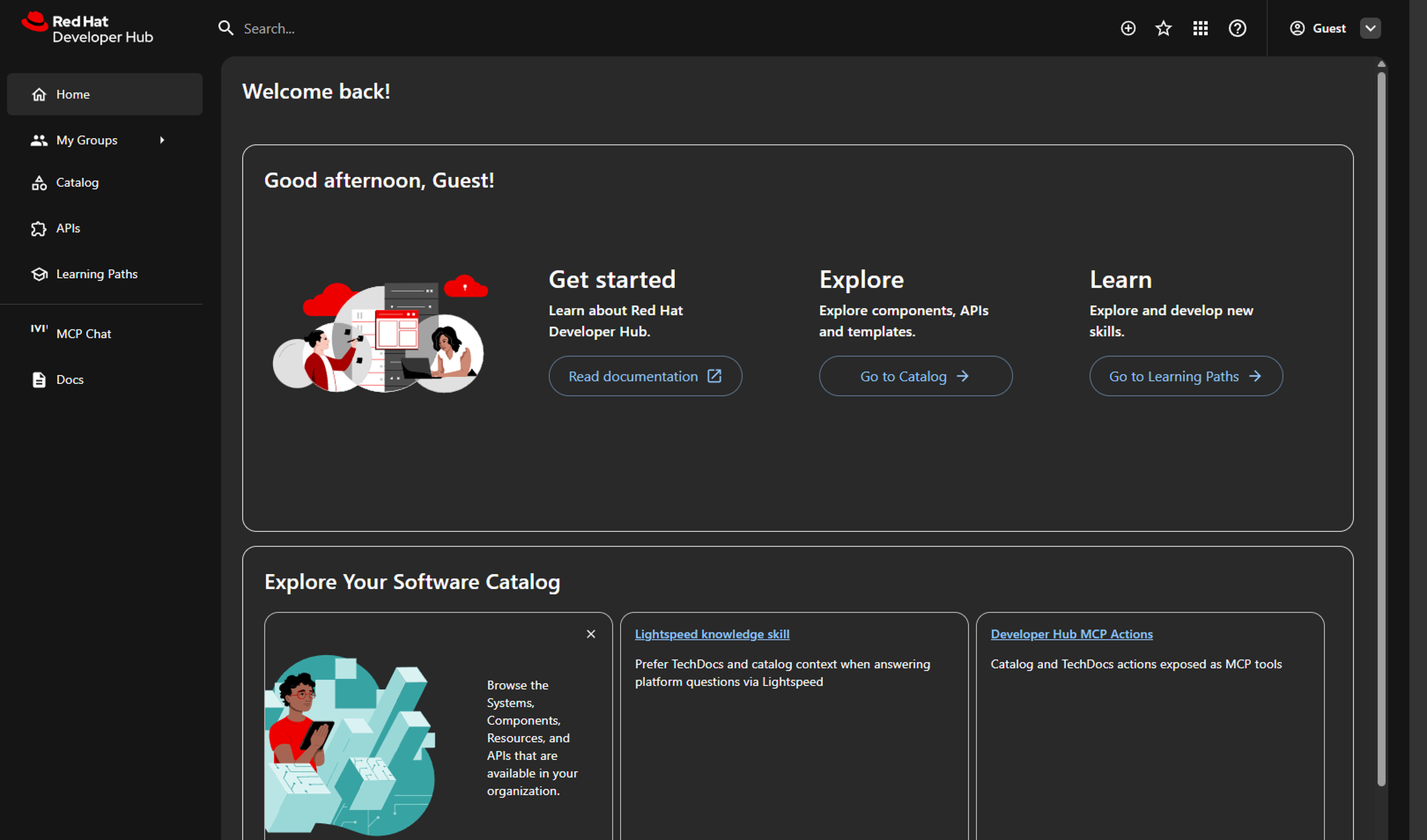
Install the chart on OpenShift Developer Sandbox with one Helm release. When pods are Ready, Topology shows the rhdh-agent application group — then sign in to Hub as Guest and run the Golden Path journey.
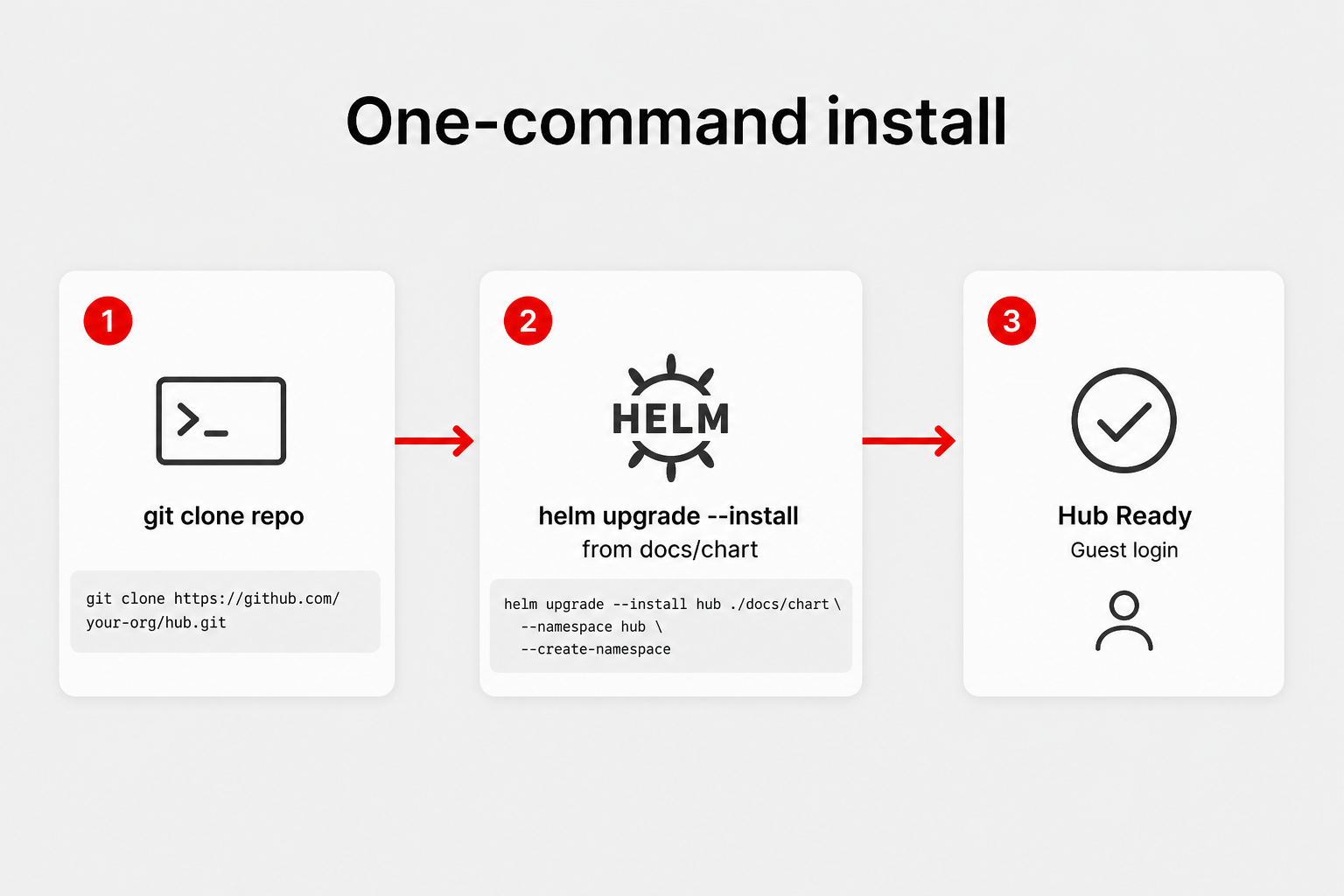
oc login to Developer Sandbox, helm 3.14+, and ~1.5 CPU / 3 Gi quota free. Clone this repo or use the Pages Helm repo.
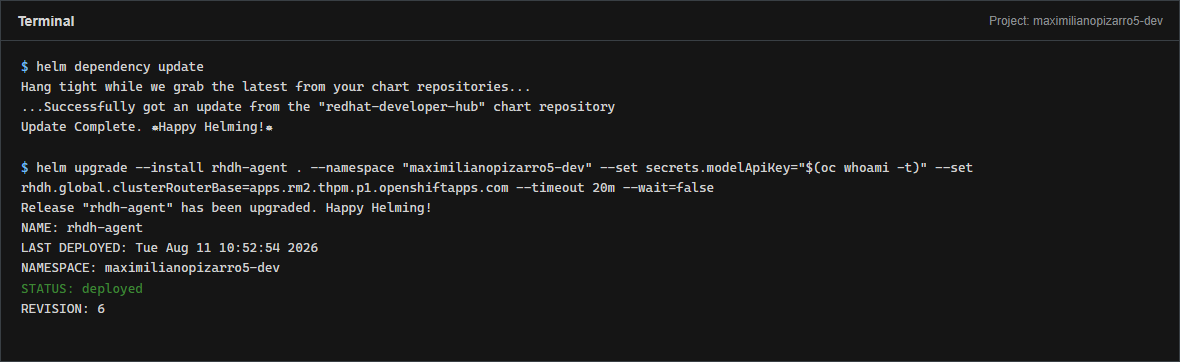
helm dependency update then helm upgrade --install with your Sandbox clusterRouterBase and modelApiKey. First pull takes 5–10 minutes.
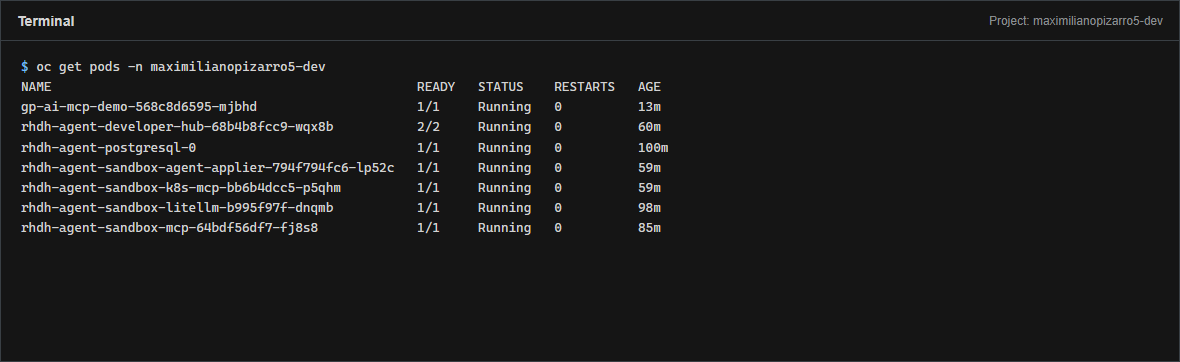
ContainerCreating during image pull is normal.
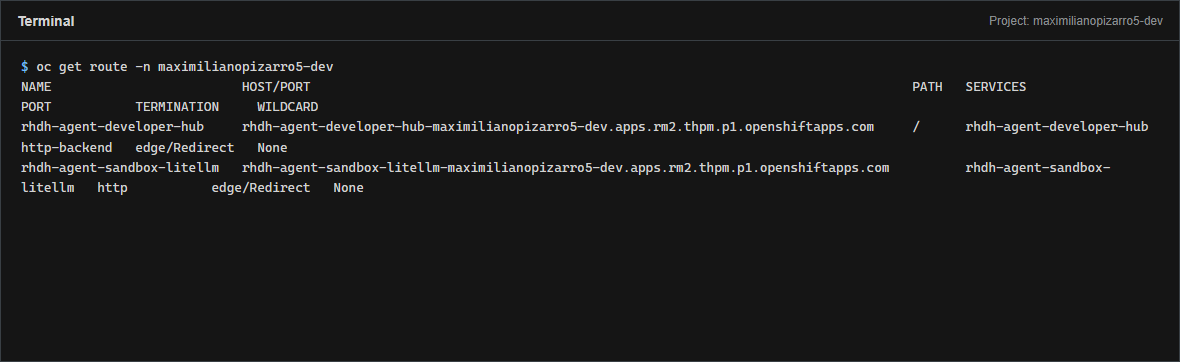
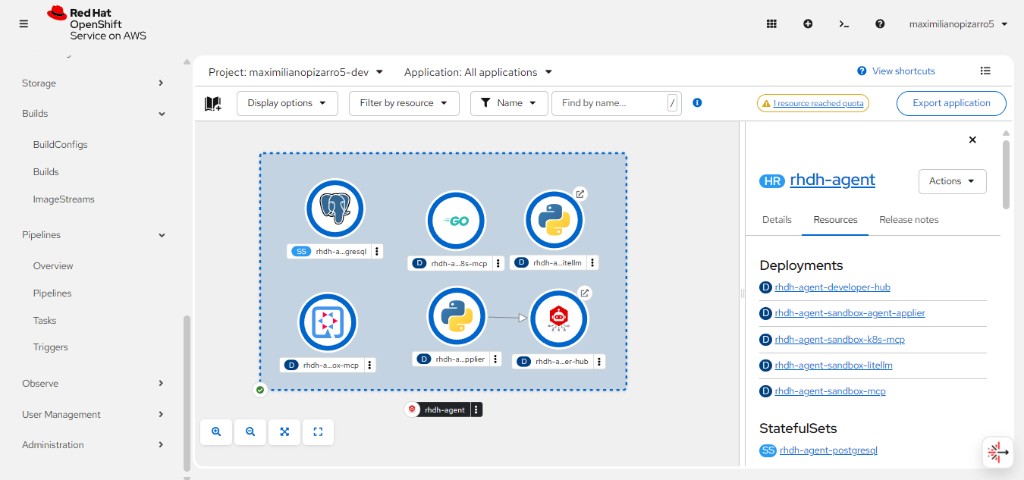
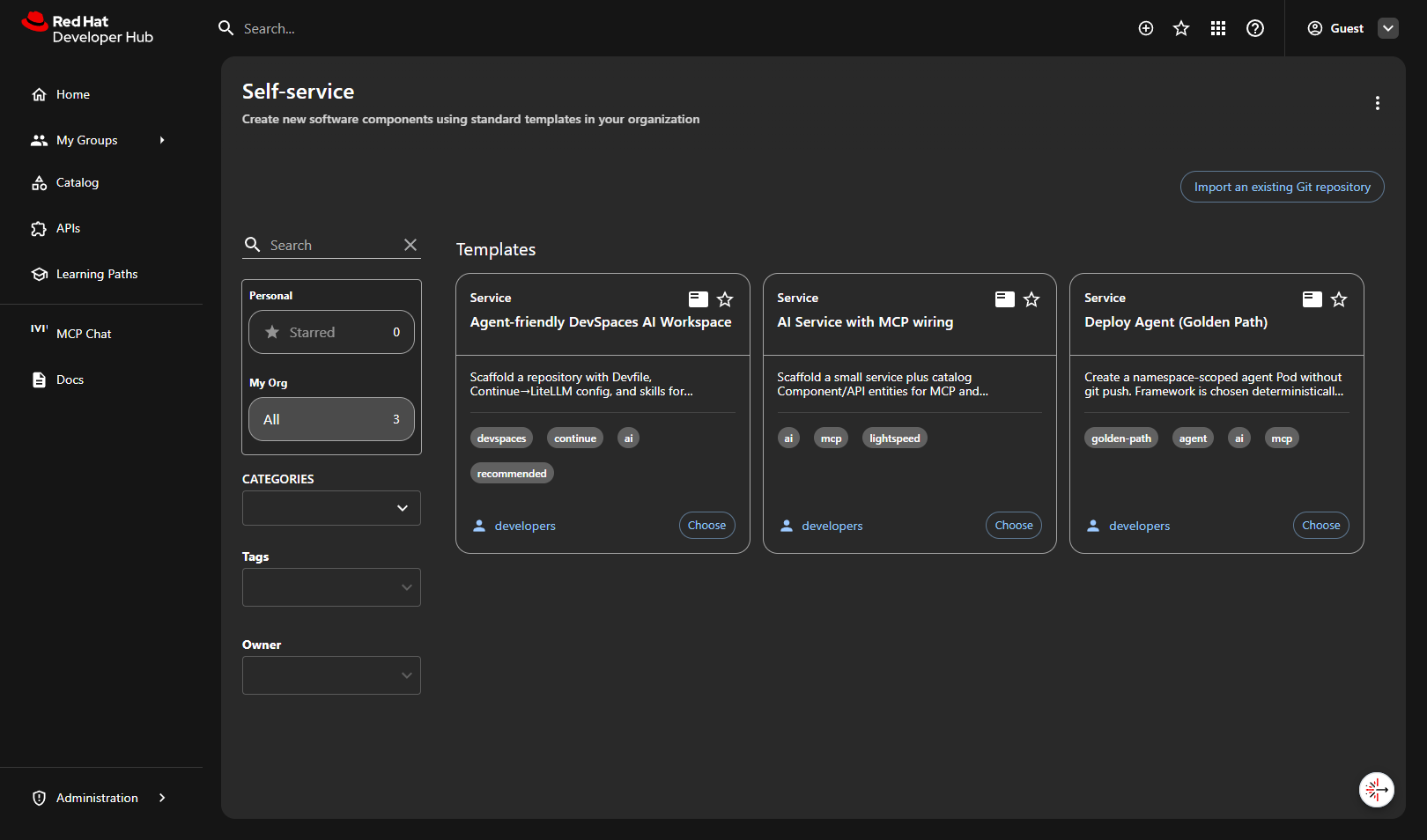
sample-*-agent pods — create agents via Golden Paths.
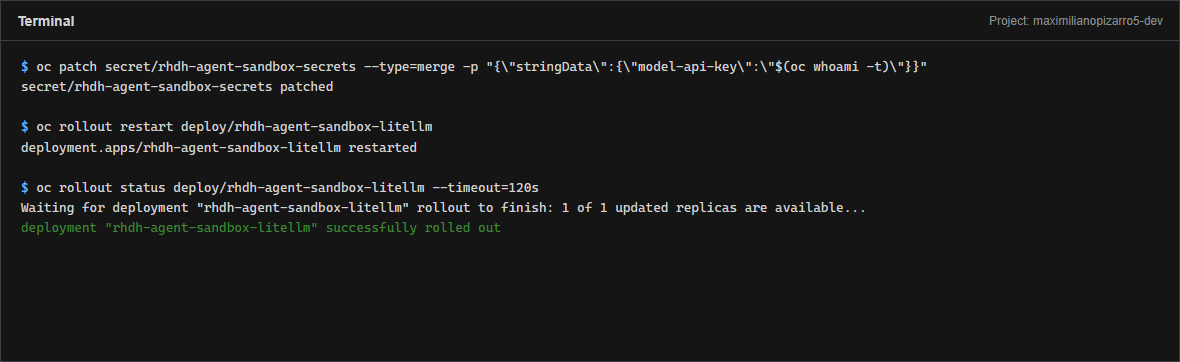
model-api-key with oc whoami -t (~24h TTL) and restart LiteLLM so shared Granite/Qwen models work. See Verify.
Quick commands
See Quickstart for full install options (clone vs Pages Helm repo).
helm dependency update
helm upgrade --install rhdh-agent . \
  --namespace "$(oc project -q)" \
  --set secrets.modelApiKey="$(oc whoami -t)" \
  --set rhdh.global.clusterRouterBase=apps.<your-sandbox>.openshiftapps.com \
  --timeout 20m --wait=false
Then Verify the install and run the Golden Path journey.