
Stadium Wallet
Digital wallet for football stadiums. Pay for food, drinks, and merchandise inside the venue. Manage your Buffalo Bills and Las Vegas Raiders wallets.








Purpose
Stadium Wallet is a digital wallet designed for fans attending football games. It lets you pay for food, drinks, merchandise, and more—directly from your phone, without cash or cards. A seamless in-stadium experience at every venue.
- View customer data and link it to one or more team-specific wallets (e.g., Buffalo Bills, Las Vegas Raiders).
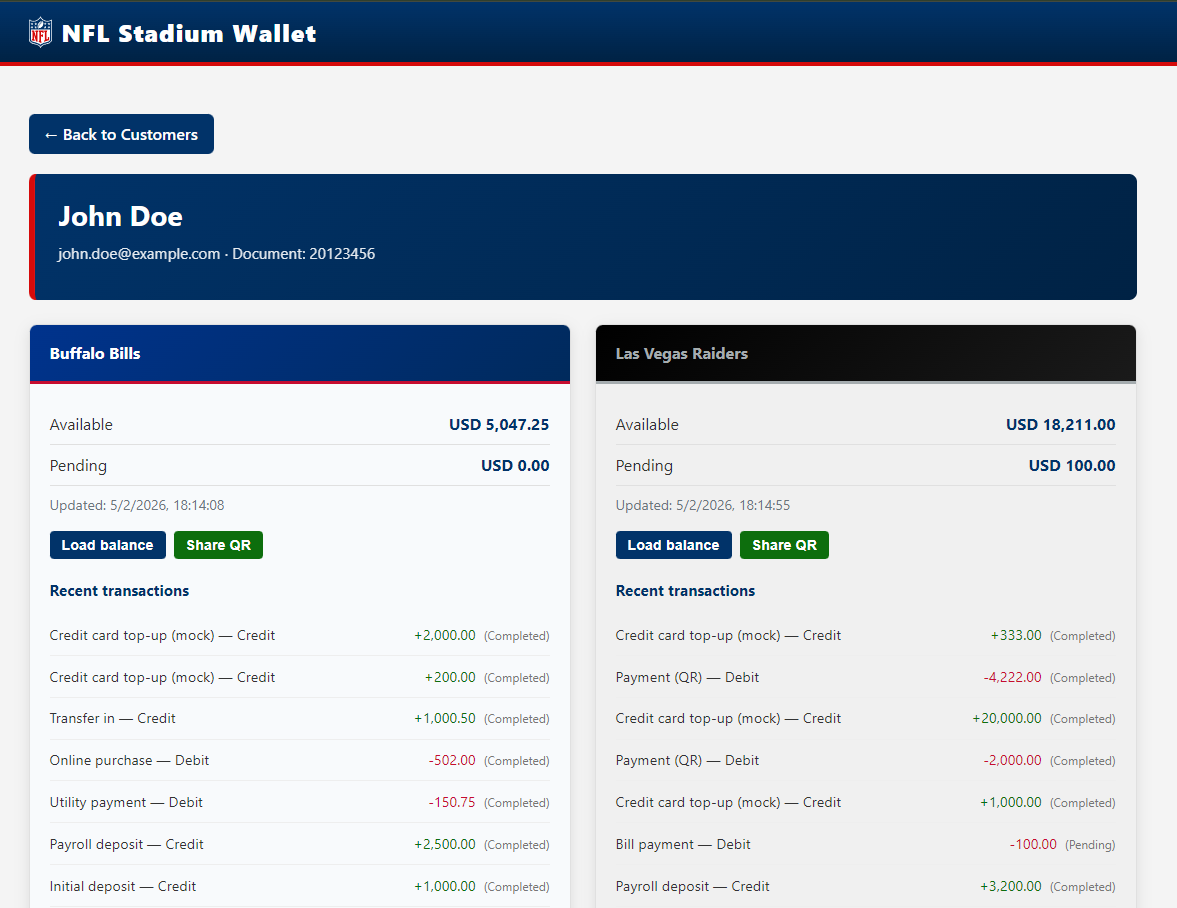
- Check balances and transactions per wallet.
- Load balance and pay from a wallet at the venue.
A single front-end application talks to a Customers API (for identity and customer list) and to per-team Wallet APIs (Buffalo Bills and Las Vegas Raiders). This way, one wallet experience can be reused across stadiums that adopt the same APIs.
Wallet app (landing and flows)
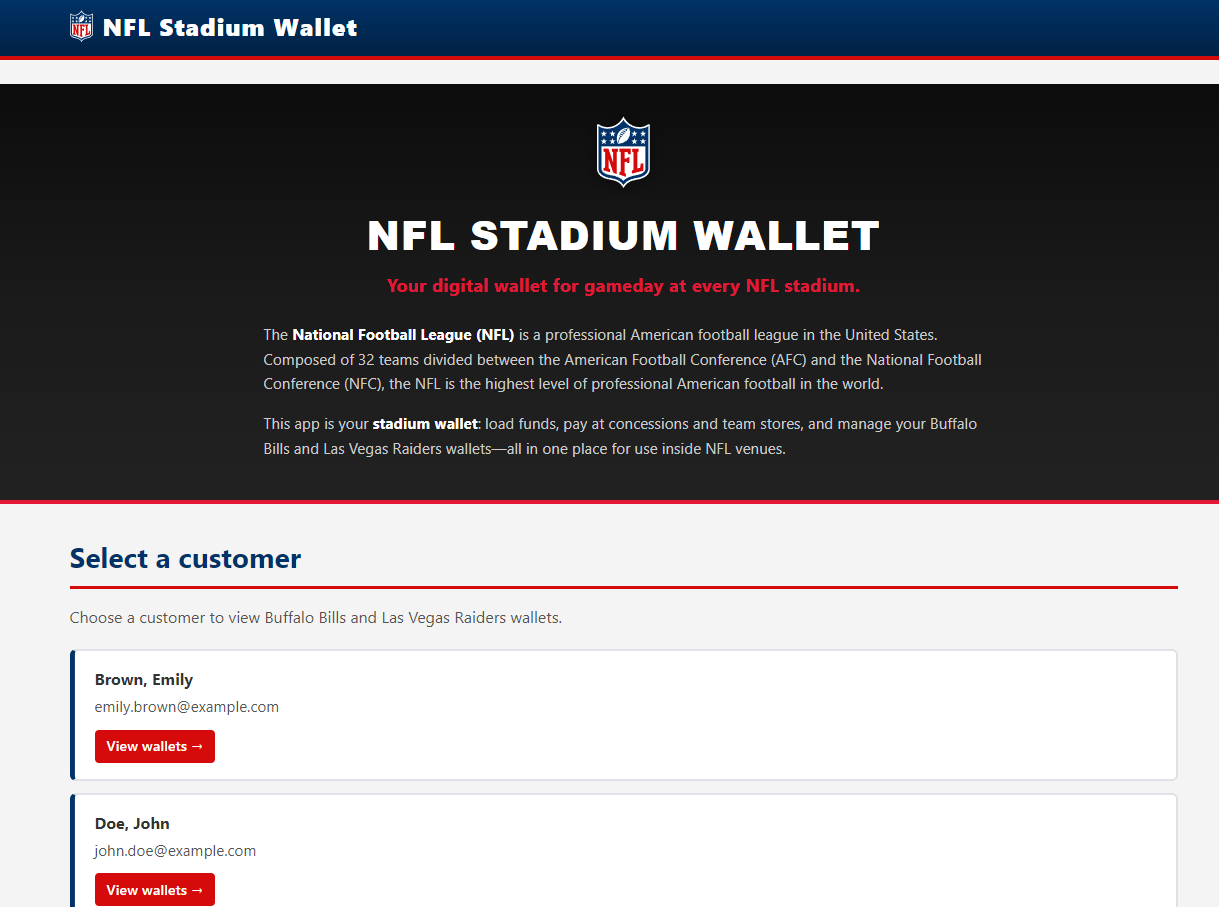 Wallet landing page: entry point of the Stadium Wallet web app. Click to enlarge.
 Customer list: select a customer to view their team wallets. Click to enlarge.
 Customer wallets: Buffalo Bills and Las Vegas Raiders balances and transactions. Click to enlarge.
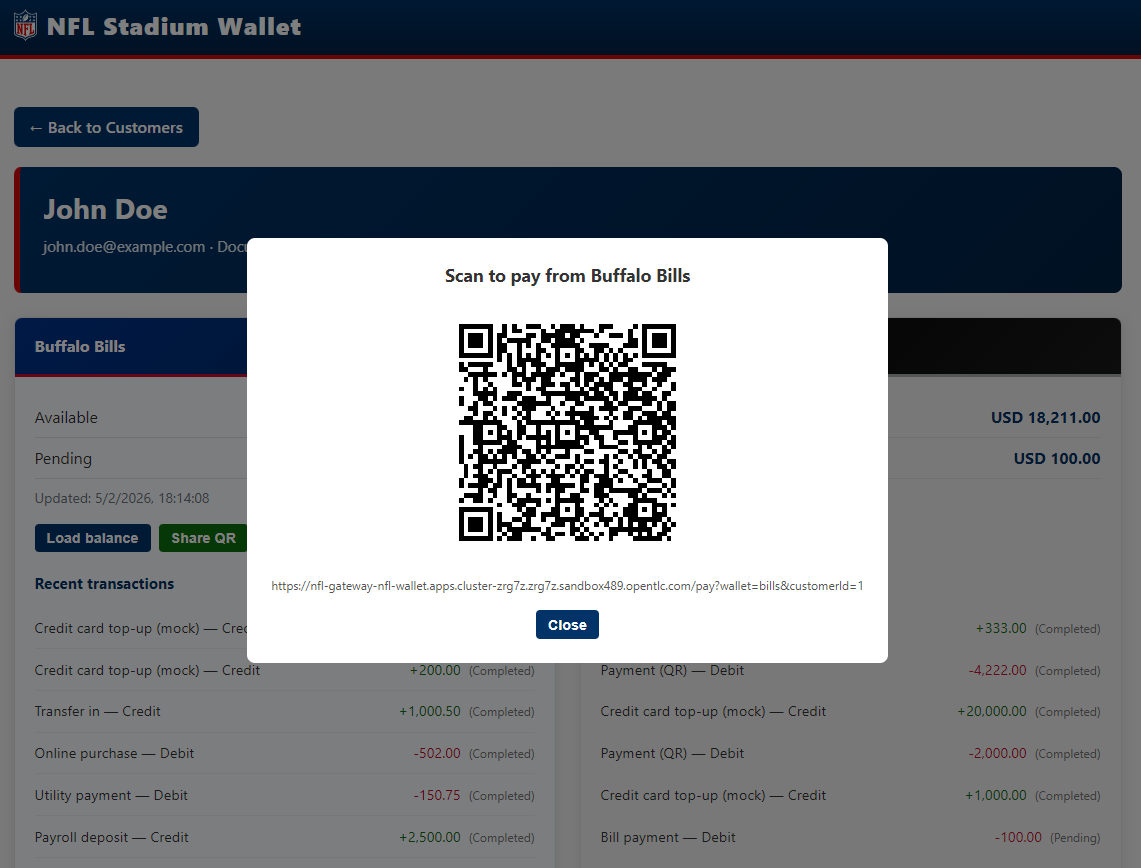
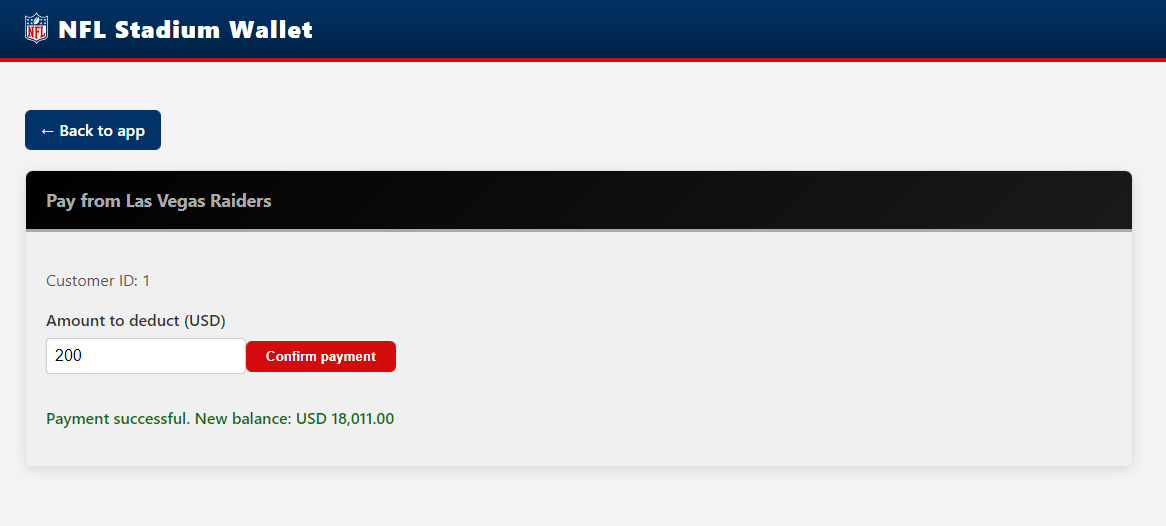 Pay from QR: payment flow from a team wallet. Click to enlarge.
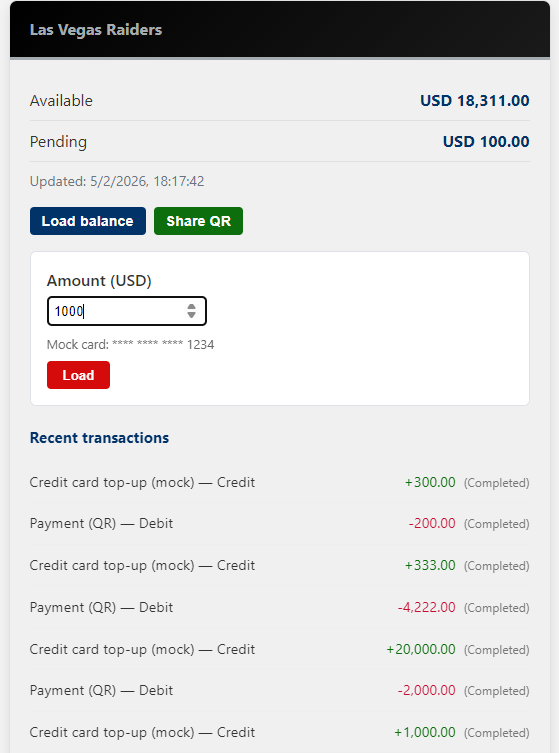 Load balance: add funds to a team wallet. Click to enlarge.
What You Can Do With This Solution
| Option | Description |
|---|---|
| Run locally | Use Podman Compose to run the full stack (webapp + three APIs) on your machine. |
| Develop in the cloud | Use Red Hat OpenShift Dev Spaces (or CodeReady Workspaces) to build and run the app from a browser with a single workspace. |
| Deploy to Kubernetes | Use the provided Helm chart to deploy the webapp and APIs to any Kubernetes or OpenShift cluster. |
| Expose via Gateway | Enable the Connectivity Link (Gateway API + HTTPRoutes) and an OpenShift Route for the gateway with TLS edge and redirect. |
| Secure with API keys | Optionally enable API key validation and Istio AuthorizationPolicy or Kuadrant AuthPolicy (Authorino) for X-API-Key at the mesh or gateway. |
| Observability | Use the Cluster Observability Operator and manifests in config/observability/ to scrape gateway metrics and view Total Requests, Success, and Error Rate in the observability UI. |
Quick Links
- Architecture — Components, Podman Compose, and Dev Spaces
- Deployment — Helm chart install and values
- Connectivity Link — Gateway, HTTPRoutes, Kuadrant AuthPolicy and RateLimitPolicy
- Security — API keys and two policy types: Istio AuthorizationPolicy and AuthPolicy with Authorino (Connectivity Link)
- Observability — Cluster Observability Operator, gateway metrics, and applying
config/observability/ - Publish to Artifact Hub — Package the chart and list it on Artifact Hub
- GitHub repository — Source code
Technology Stack
- Frontend: Vue 3, Vite, vue-router; served by Apache (UBI8).
- Backend: Three .NET 8.0 ASP.NET Core APIs (Customers, Buffalo Bills wallet, Las Vegas Raiders wallet).
- Data: SQLite (one database per API).
- Containers: Podman / OpenShift; images can be built and pushed to Quay.