GateForge
v0.1.7AI-powered migration platform for transitioning from Red Hat 3scale API Management to Red Hat Connectivity Link (Kuadrant) on OpenShift. Now with multi-source 3scale, multi-cluster deployment, and persistent hub-spoke architecture.





AI-powered migration platform for transitioning from Red Hat 3scale API Management to Red Hat Connectivity Link (Kuadrant) on OpenShift. Now with multi-source 3scale, multi-cluster deployment, and persistent hub-spoke architecture.
LangChain4j-based AI agent analyzes 3scale configurations and generates equivalent Connectivity Link resources. Chat assistant with MCP tool calling for real-time cluster introspection.
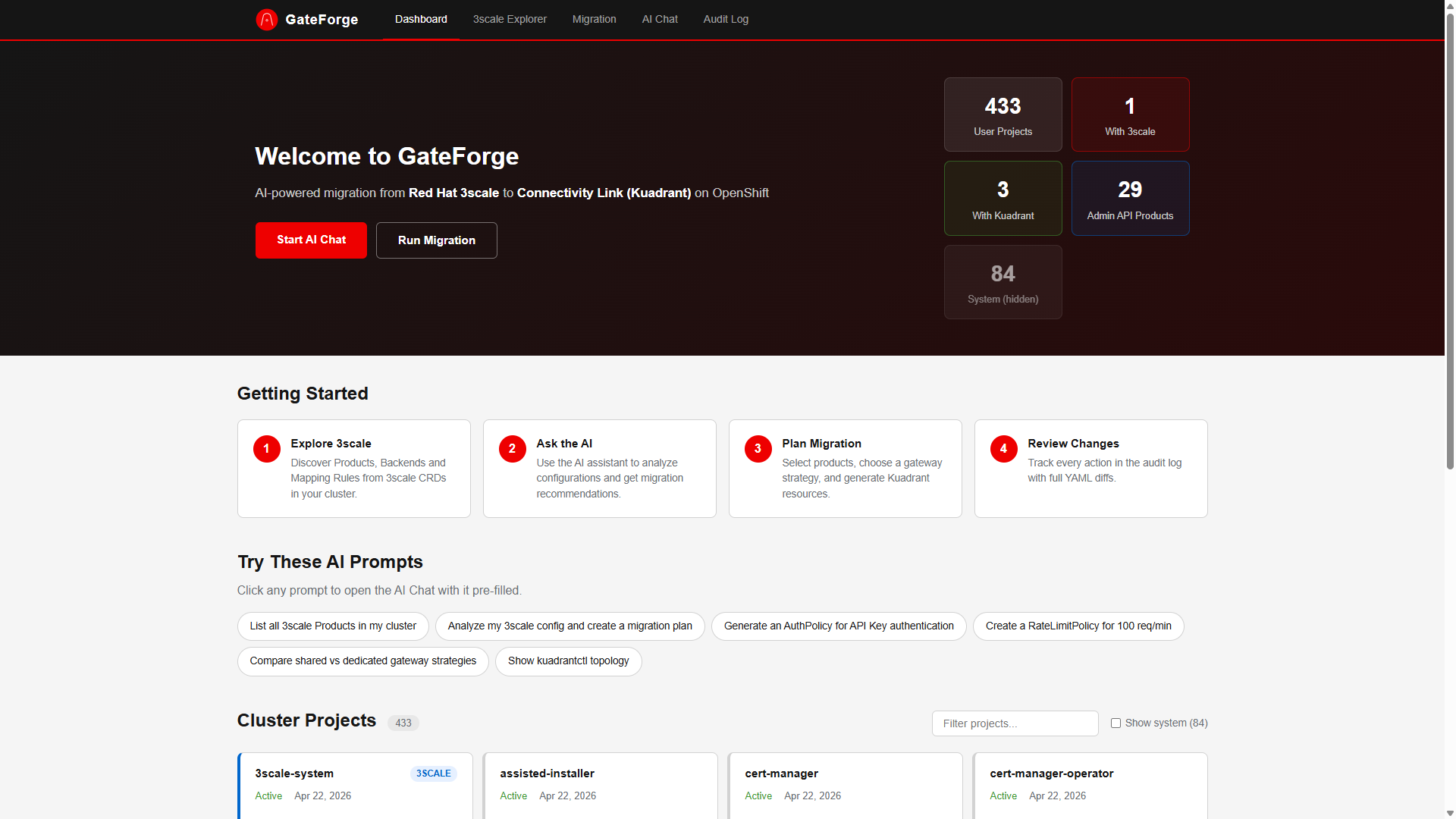
Discovers Products, Backends, Mapping Rules, and ActiveDocs via both CRD inspection and Admin API. Supports connecting to multiple 3scale instances simultaneously.
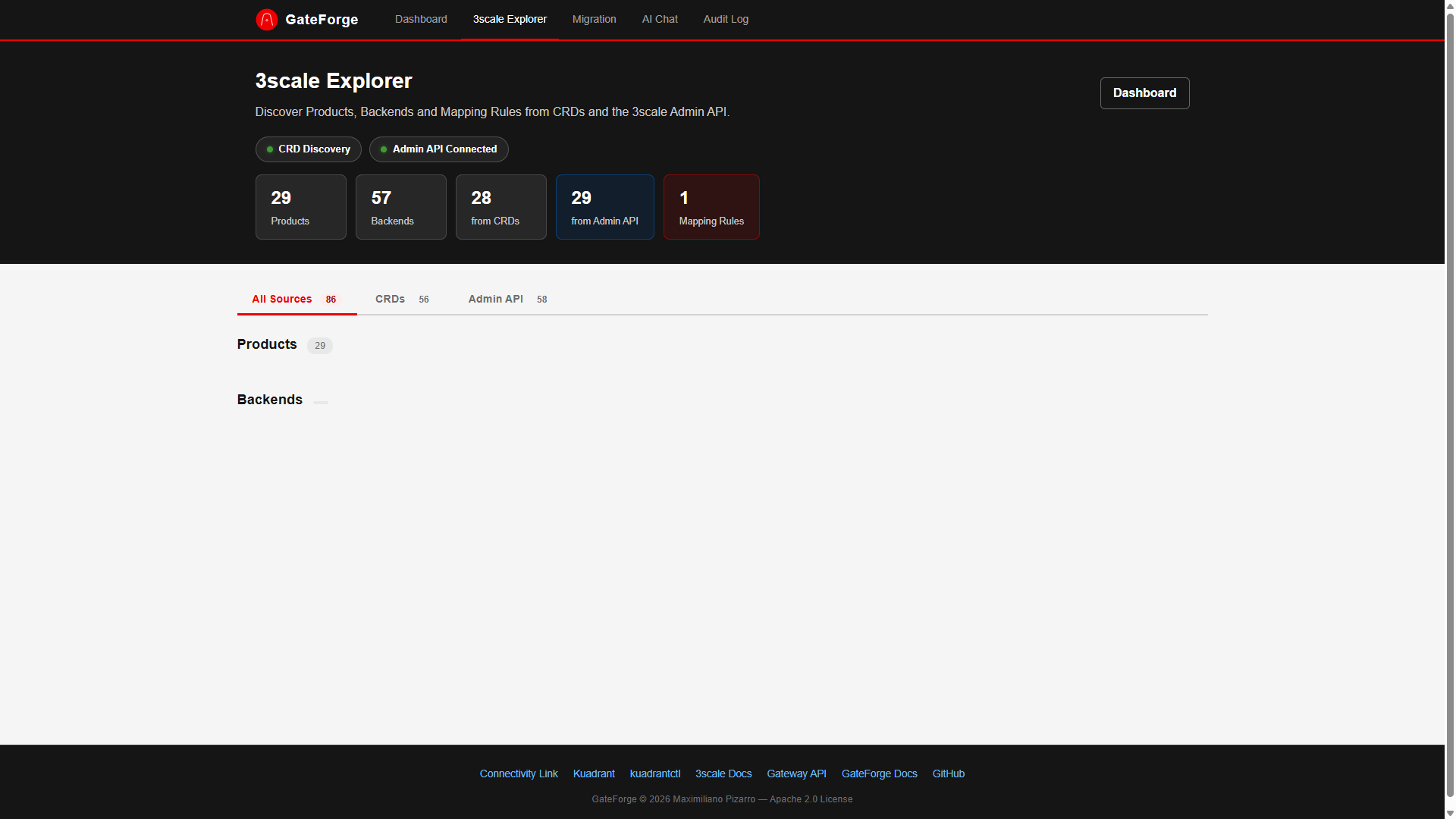
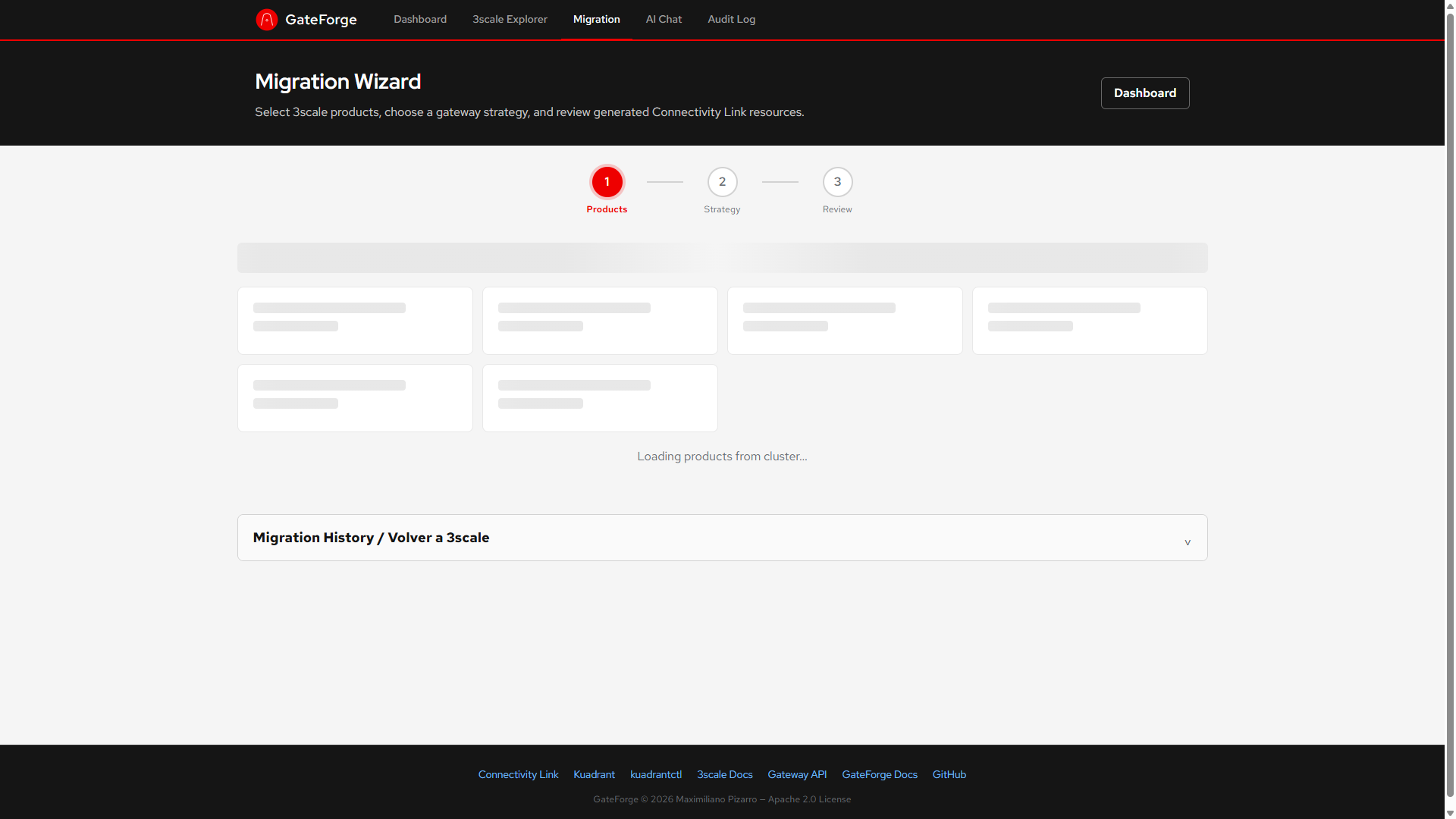
Generates Gateway, HTTPRoute, AuthPolicy, and RateLimitPolicy resources with configurable strategies: shared, dual, or dedicated gateways per product.
Apply migrations to any target OpenShift cluster. ArgoCD cluster secret auto-discovery. Per-cluster RBAC validation via SelfSubjectAccessReview.
PostgreSQL-backed persistence with Flyway migrations. Federated audit log across clusters. Hub overview API with aggregated stats and topology graph.
One-click revert of individual plans or bulk revert to restore 3scale management. Full audit trail with before/after YAML snapshots for every operation.
Packaged as a Helm chart on Artifact Hub. Deploys backend, frontend, and PostgreSQL with least-privilege RBAC. ArgoCD-native with selfHeal support.
Generates catalog-info.yaml for Red Hat Developer Hub. Registers migrated APIs as Backstage entities with Kuadrant annotations.
Organizations running Red Hat 3scale API Management need a clear, automated path to Kubernetes-native API management via Red Hat Connectivity Link (Kuadrant). Manual migration is complex: mapping 3scale Products, Backends, Mapping Rules, Application Plans, and authentication configs to Gateway API HTTPRoutes, AuthPolicies, and RateLimitPolicies requires deep expertise in both ecosystems.
Automatically discovers 3scale Products, Backends, and ActiveDocs from multiple 3scale instances (CRDs + Admin API).
AI-assisted analysis of your 3scale configuration to generate equivalent Connectivity Link resources.
Deploy migrations to any target cluster. ArgoCD discovery, per-cluster RBAC, cluster selector in the wizard.
PostgreSQL-backed plans and audit. Federated logs across clusters. Hub overview with aggregated stats.
GateForge has been tested with the following Red Hat product versions:
| Product | Version | Status |
|---|---|---|
| OpenShift Container Platform | 4.20, 4.21 | Tested |
| Red Hat Connectivity Link | 1.2, 1.3 | Tested |
| Kuadrant (upstream) | 1.1.x (bundled with Connectivity Link) | Tested |
| Red Hat 3scale API Management | 2.16.x (2.16.2, 2.16.3) | Tested |
| Red Hat Build of Keycloak (RHBK) | 26.4.x | Tested |
| Istio (Sail Operator / Service Mesh 3.x) | 3.x | Tested |
| PostgreSQL (RHEL 9) | 15.x | Tested |
| Flyway (Quarkus Extension) | 10.x (via Quarkus BOM) | Tested |
| Gateway API | v1.2.x (bundled with OpenShift) | Compatible |
| Microcks | 1.10.x | Compatible |
| Red Hat Developer Hub | 1.4.x | Compatible |
Click any image to enlarge.
 Click to enlarge
 Click to enlarge
 Click to enlarge
 Click to enlarge
 Click to enlarge
graph TB
  subgraph Hub["Hub Cluster (GateForge)"]
    GF["GateForge Backend
(Quarkus 3.x)"]
    FW["Flyway
Schema Migrations"]
    PG["PostgreSQL 15
Plans + Audit"]
    FE["Angular Frontend
(Nginx)"]
    AI["LangChain4j
AI Agent"]
  end

  subgraph Sources["3scale Sources"]
    S1["3scale Instance A
Admin API"]
    S2["3scale Instance B
Admin API"]
    S3["3scale CRDs
In-cluster"]
  end

  subgraph Targets["Target Clusters"]
    T1["Local Cluster"]
    T2["Staging Cluster"]
    T3["Production Cluster"]
  end

  subgraph Discovery["Cluster Discovery"]
    ARGO["ArgoCD Secrets"]
  end

  FE -->|REST API| GF
  GF --> FW
  FW --> PG
  GF --> AI
  GF -->|Admin API| S1
  GF -->|Admin API| S2
  GF -->|Fabric8 Client| S3
  GF -->|apply/revert| T1
  GF -->|apply/revert| T2
  GF -->|apply/revert| T3
  ARGO -->|auto-discover| GF
flowchart TD
  S1["3scale CRDs"] --> D1["Discover from CRDs"]
  S2["3scale Admin API (N sources)"] --> D2["Discover from Admin APIs"]
  D1 --> M["Merge + Deduplicate Products"]
  D2 --> M
  M --> GEN["Generate Gateway API Resources"]
  GEN --> GW["Gateway (shared/dual/dedicated)"]
  GEN --> HR["HTTPRoute per product"]
  GEN --> AP["AuthPolicy per product"]
  GEN --> RL["RateLimitPolicy per product"]
  GW --> PLAN["Migration Plan"]
  HR --> PLAN
  AP --> PLAN
  RL --> PLAN
  PLAN --> DB["Persist to PostgreSQL"]
  PLAN --> SELECT["Select Target Cluster"]
  SELECT --> APPLY["Apply to Target"]
  APPLY --> AUDIT["Record in Audit Log"]
sequenceDiagram
  participant U as User
  participant Chat as ChatComponent
  participant Agent as MigrationAgent
  participant LLM as LiteLLM (deepseek-r1)
  participant Tools as GateForgeTools
  participant Svc as Backend Services

  U->>Chat: Ask question
  Chat->>Agent: POST /api/chat
  Agent->>LLM: Chat completion + tool definitions
  LLM-->>Agent: tool_call: listThreeScaleProducts()
  Agent->>Tools: invoke listThreeScaleProducts
  Tools->>Svc: ThreeScaleService.listProducts()
  Svc-->>Tools: Product list (all sources)
  Tools-->>Agent: Formatted product data
  Agent->>LLM: Tool result + continue
  LLM-->>Agent: Final answer with real data
  Agent-->>Chat: Response
  Chat-->>U: Display answer
| 3scale Object | Connectivity Link Resource |
|---|---|
| Product | Gateway + HTTPRoute + AuthPolicy + RateLimitPolicy |
| Backend | Service/Endpoints (HTTPRoute backendRefs) |
| Mapping Rules | HTTPRoute rules (path, method matches) |
| Application Plans (limits) | RateLimitPolicy (rates, counters) |
| Auth (OAuth2, API Key) | AuthPolicy (via Authorino/Keycloak) |
| Proxy/Gateway config | Gateway listener configuration |
| DNS/TLS settings | DNSPolicy + TLSPolicy |
| Endpoint | Method | Description |
|---|---|---|
/api/cluster/projects | GET | List all cluster projects |
/api/threescale/products | GET | List 3scale Products (all sources) |
/api/threescale/backends | GET | List 3scale Backends (all sources) |
/api/threescale/status | GET | Admin API connectivity status |
/api/migration/analyze | POST | Analyze and plan migration (with target cluster) |
/api/migration/plans/{id}/apply | POST | Apply plan to target cluster |
/api/migration/plans/{id}/revert | POST | Revert plan from target cluster |
/api/migration/revert-bulk | POST | Bulk revert to 3scale |
/api/audit/reports | GET | View audit log |
/api/chat | POST | AI migration assistant |
| Endpoint | Method | Description |
|---|---|---|
/api/threescale/sources | GET | List all 3scale sources |
/api/threescale/sources | POST | Add a new 3scale source |
/api/threescale/sources/{id} | DELETE | Remove a source |
/api/threescale/sources/{id}/status | GET | Check source connectivity |
| Endpoint | Method | Description |
|---|---|---|
/api/cluster/targets | GET | List target clusters |
/api/cluster/targets | POST | Add a target cluster |
/api/cluster/targets/{id} | DELETE | Remove a target cluster |
/api/cluster/targets/{id}/validate | GET | Validate RBAC access on target |
| Endpoint | Method | Description |
|---|---|---|
/api/hub/overview | GET | Aggregated hub stats |
/api/hub/audit?cluster=X&action=Y | GET | Federated audit log with filtering |
/api/hub/plans?cluster=X&status=Y | GET | Federated plans with filtering |
/api/hub/topology | GET | Cluster + source topology graph |
Install GateForge on OpenShift with PostgreSQL persistence.
Connect to multiple 3scale Admin API instances.
Deploy to multiple OpenShift clusters or auto-discover via ArgoCD.
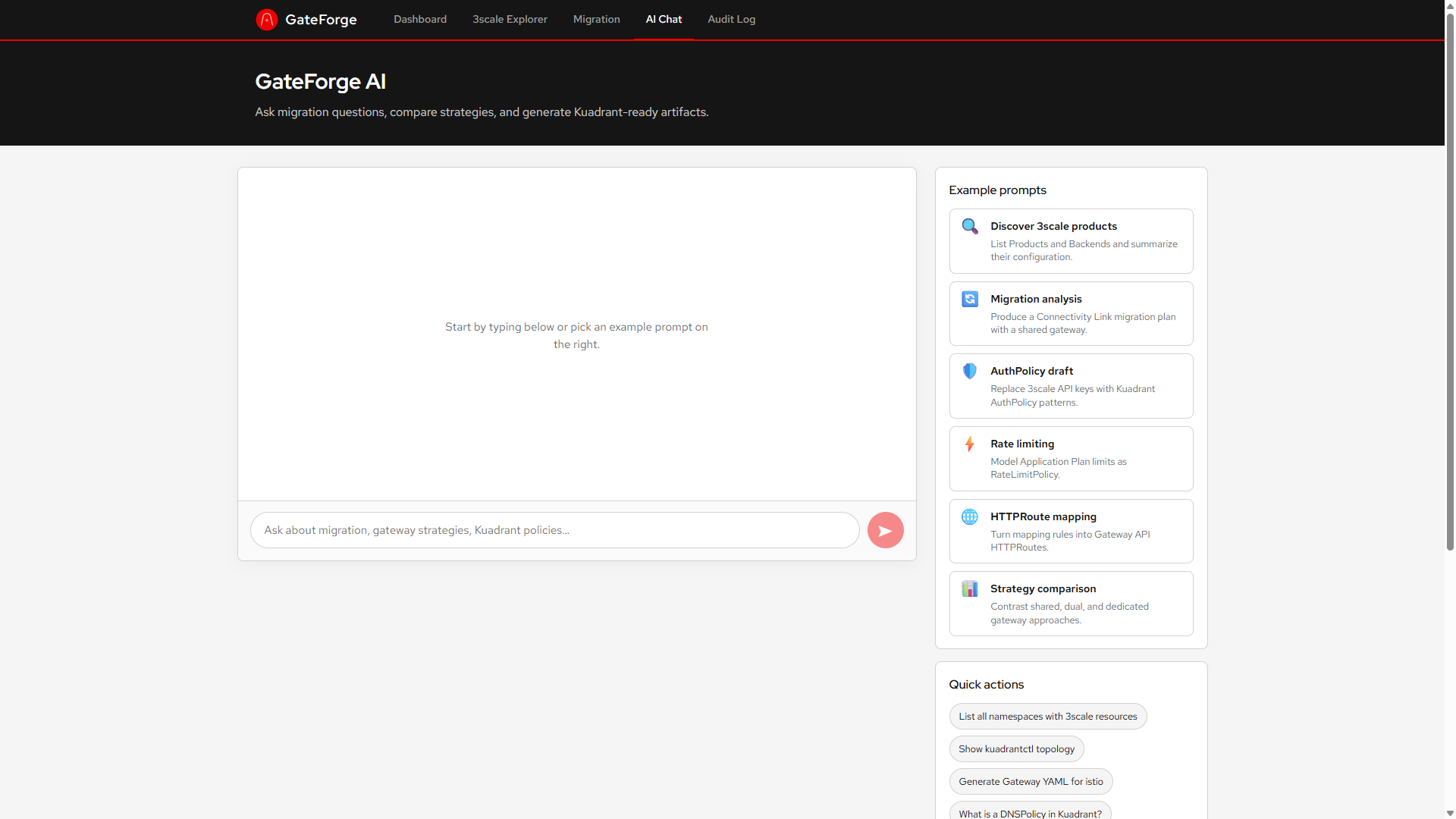
GateForge includes an AI-powered chat assistant. Here are some example prompts:
| Strategy | Description | Best For |
|---|---|---|
shared | Single Istio Gateway with multiple HTTPRoutes | Small to medium clusters |
dual | Two Gateways (internal/external) split by exposure | Network segmentation |
dedicated | One Gateway per Product, full isolation | Strict isolation requirements |
| Value | Default | Description |
|---|---|---|
backend.image.tag | v0.1.7 | Backend image tag |
frontend.image.tag | v0.1.7 | Frontend image tag |
ai.endpoint | litellm-prod... | LLM endpoint URL |
ai.model | deepseek-r1-distill-qwen-14b | AI model name |
ai.apiKey | "" | LLM API key |
threescale.adminApi.url | "" | 3scale Admin Portal URL |
threescale.adminApi.accessToken | "" | 3scale access token |
threescale.sources | "" | JSON array of additional 3scale sources |
targetClusters | "" | JSON array of target clusters |
argocd.clusterDiscovery | false | Auto-discover clusters from ArgoCD |
postgresql.enabled | true | Deploy PostgreSQL |
postgresql.username | gateforge | DB username |
postgresql.password | gateforge | DB password |
connectivityLink.gatewayStrategy | shared | shared / dual / dedicated |
connectivityLink.gatewayClassName | istio | Gateway class |
rbac.clusterAdmin | false | Use cluster-admin vs least-privilege |
route.enabled | true | Create OpenShift Route |